Easy has a different meaning to each of us, yes? For example: If your definition of an “easy” dinner is a meal that takes more than thirty minutes and ten ingredients to make, our definitions don’t line up.
This is not that kind of easy. This is the easy that you can quickly implement for free. Your time is valuable, so let’s get right to it:
1. Bulk Create
Small nonprofit work is often synonymous with the tyranny of the urgent (I.e. “everything matters and it matters right now!”). The best way you can avoid this and increase output is by blocking time on your calendar for whatever communications materials you want to create. A standing hour-long appointment every week or two is sufficient to meet most of your communications needs if you can swing it. If you want to create an article for each week or a social media post for each section of a sermon series, you’ll find that bulk creating allows you to maximize efficiency!
Action Step: Schedule a block on your calendar for “Creating Time.” Remind yourself that you’re testing this method to see if it works, so you have to truly commit to honoring that time.
2. Utilize Free Resources
If you have not already gotten the free Canva for Nonprofits plan, you are missing out. It is the single most-utilized resource for most nonprofits I’ve worked for and it’s… FREE! You can review the details on the website, but the basic gist is that you must be:
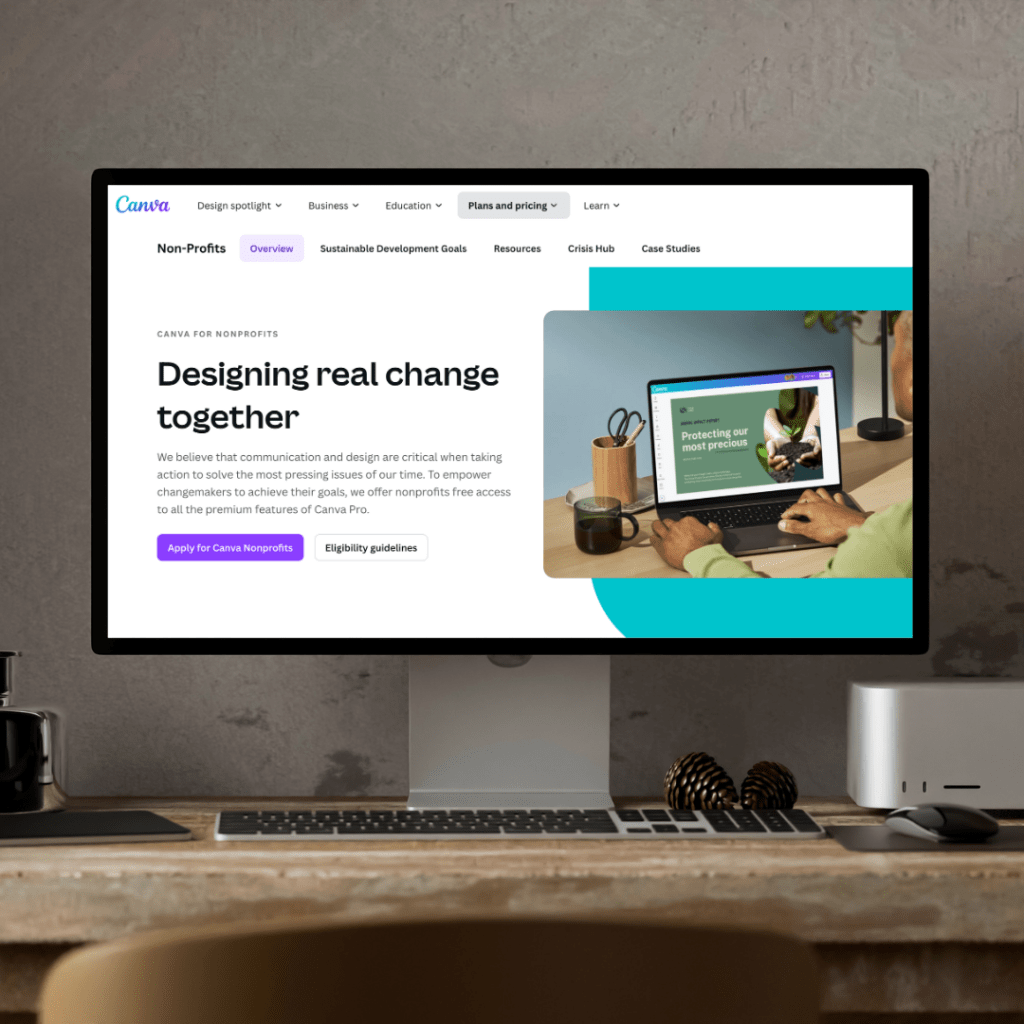
- Recognized as a charitable or a nonprofit organizations by the local regulator in the country where you are registered
- Operating on a not-for-profit basis
- Operating for the public benefit
You’ll need a copy of your 501(c)(3) status to verify you’re eligible. But once you upload that, you’re on your way to the magical land of Canva.
For those who don’t know: Canva is to communications and graphic design what Target is to shoppers. You can find just about everything, it’s easy to navigate, and you will have fun in the process! When I was in school, we learned the ins-and-outs of the Adobe suit (Photoshop, Premier, Illustrator, and InDesign). It was not simple and it wasn’t cheap to privately own. Canva has made excellent graphics more accessible for all of us, and that’s something nonprofits can reap the rewards of!
Action Step: Review the Canva for Nonprofits website to see if you are eligible for a free membership. Confused on how to get started? Book a call with me. I’ll coach you in the basics for as short or as long as you need to get up and running!
3. Explain Your Core Values
When in doubt, you can batch create (see above) easy content surrounding your Core Values or Mission Statement. These are aspects of your organization that you want to continually reinforce for your people. That’s what makes them great subjects for newsletters, social media posts, Q&As, a sermon series, a Small Group discussion guide, a behind-the-scenes, etc.
Action Step: Write out what you want people to know about your Core Values. Then, draft it in the form you want to utilize. In less than five minutes, you have impactful content that your people need to know!

I am sharing these tips because I am passionate about helping the “little guys” effectively communicate—while maintaining a gospel-focused approach. If you are interested in learning how to do just that, contact me! I work with folks like you and would be honored to chat.
Gratefully,
Hannah
 A Grateful Life Lived
Leave a comment